
ROS2-003-Communication Mechanisms: A Short Word on Interfaces, and the Interface Files the Four Communication Models Use
Introduction: what are interfaces?
In the course of communicating, when nodes need to transfer data they necessarily have to transfer it in a particular format — that is, the data carrier we keep using. In ROS2 the data carrier is called an interface.
The commonly used interface files
The data carrier used in communication generally has to be defined with an interface file. There are three commonly used interface files: msg files, srv files and action files, corresponding respectively to topic communication, service communication and action communication described in the previous article, and each kind of file needs its "variables" of a specific data type defined in a set format.
Tips
Parameter communication needs no interface file: during parameter communication the data is wrapped into a parameter object, and both the parameter client and the parameter server operate on that parameter object.
1. msg files
A msg file is the interface file used to define the data carrier in topic communication, and a typical .msg file looks like this:
// .msg
int64 num1
int64 num2
Some data resembling C++ variables is declared in the file.
2. srv files
An srv file is the interface file used to define the data carrier in service communication. A typical .srv file looks like this:
// .srv
int64 num1
int64 num2
---
int64 sum
The data declared in the file is split into two parts by "---", where the upper part declares the request data and the lower part declares the response data.
3. action files
An action file is the interface file used to define the data carrier in action communication. A typical .action file looks like this:
// .action
int64 num1
int64 num2
---
int64 sum
---
float64 progress
The data declared in the file is split into three parts by "---", where the upper part declares the request data, the middle part declares the response data, and the lower part declares the continuous feedback data.
Variable types
Whatever the interface file, each line of data declared in it consists of a field type and a field name, and the field types you can use are the following:
- int8, int16, int32, int64 (or the unsigned types: uint*)
- float32, float64
- string
- time, duration
- variable-length and fixed-length arrays
- other msg files
ROS also has one special type: Header, which holds a timestamp and the coordinate frame information commonly used in ROS2. Many complex interface files put a Header on the first line.
Tips
This is just a brief introduction to interfaces, for reference and general understanding. And since as of today ROS2 still cannot define interface files inside a Python package, all the code above is based on CMAKE. If that changes, I'll leave it for a later record article to cover. 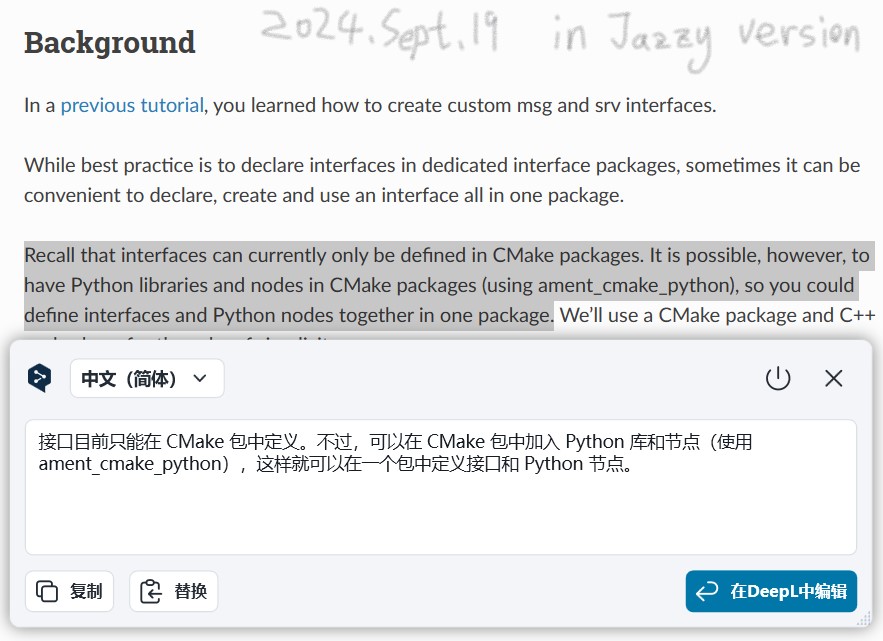
Important
This article was translated by Hermes Agent; the original text can be found at here. The translation is for reference only. Translation time: 2026-11-05