
ROS2-015-Communication Mechanisms, Wrapping Up: Tools (2) — the GUI Tool (RQt) and a Summary
The first half is in ROS2-014-Communication Mechanisms, Wrapping Up: Tools (1) — Overview and Command-Line Tools
2. The GUI tool (RQt)
Overview
RQt is a GUI framework built on top of the Qt framework. By way of a set of "tools and interfaces that exist as plugins", it lets you develop, debug and monitor a robot system from a single window, and lets you interact with a ROS2 system by arranging those plugins however you like. Using it as a communication-mechanism tool is only one of its features; this page is just a brief introduction to it.
Extra info | In case you want to know
The Qt framework is a cross-platform C++ GUI application development framework created by Qt Company in 1991; it can build high-performance desktop, mobile and web applications.
If you want to dig deeper, its official site is the place to look — it hosts Qt Academy, a free online course aimed at beginners.
Installation
Normally, if you installed ROS2 as the desktop variant, the RQt toolbox comes with it. If you need it separately:
sudo apt install ros-jazzy-rqt*Info
The ROS2 version used here is Jazzy Jalisco LTS. For other versions, check the official ROS2 documentation.
Launching
With ROS2 nodes running, start RQt from a new terminal with either:
rqtros2 run rqt_gui rqt_gui
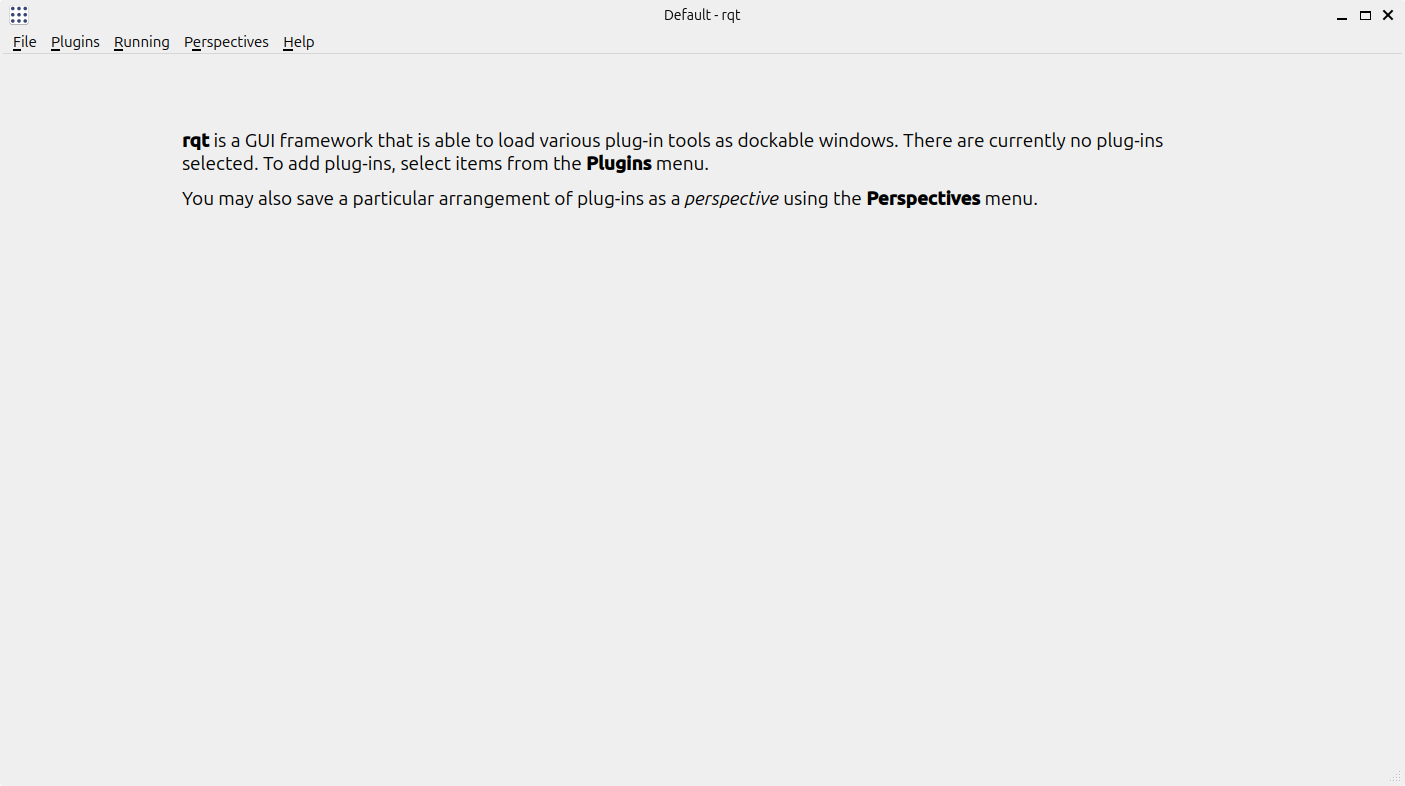
You should end up with this window:
Using it
As a communication-mechanism tool, you pick whichever plugin you need from the plugins menu.
1. Node graph
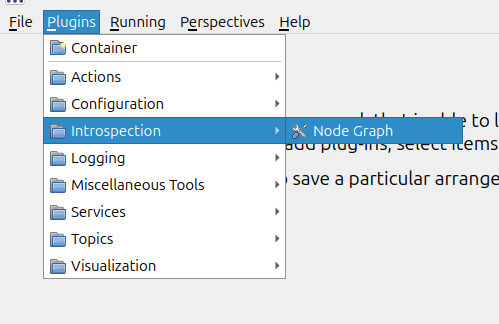
For example, open the node graph like this:
Info
Of course, if you are comfortable with the command-line tools, you can also launch it directly with:
rqt_graphor
ros2 run rqt_graph rqt_graphto get the same node graph.
The RQt window then shows:
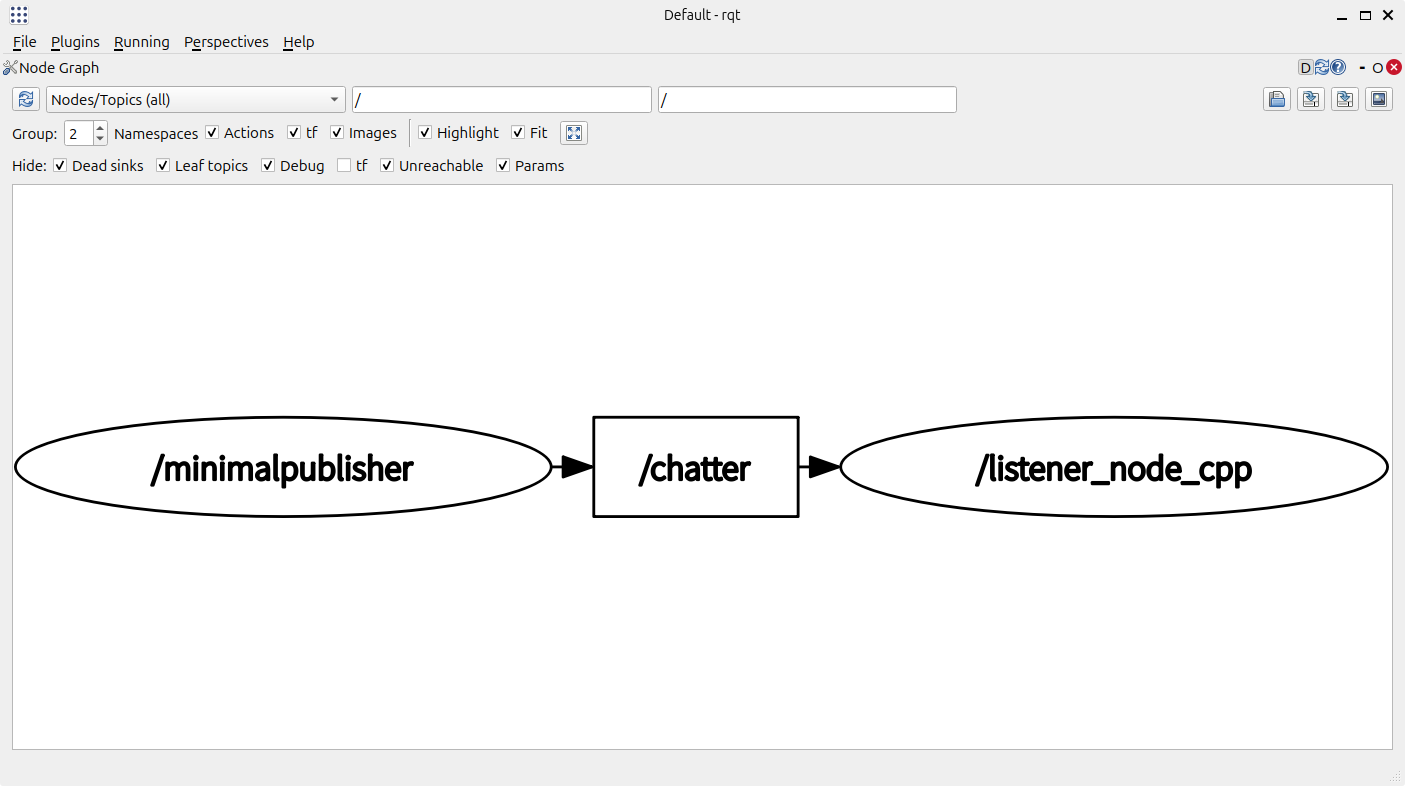
The graph lists the nodes that are currently running and shows how they are wired to one another through topics and the other communication mechanisms, so that they can talk.
2. Message publisher
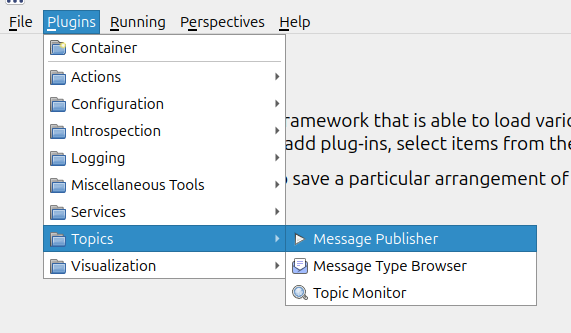
For example, open the message publisher like this:
The page looks like this:
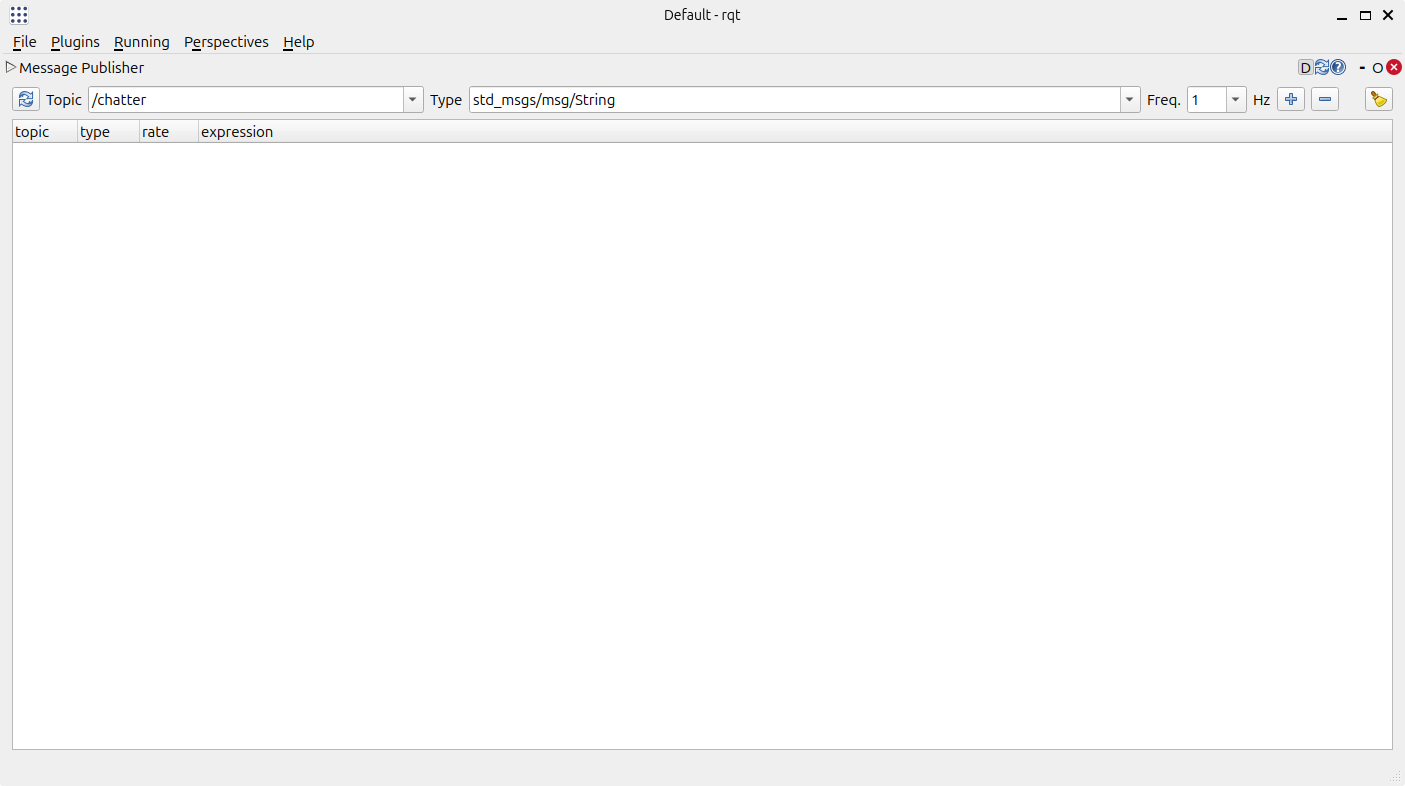
You can add a publisher for a given topic:
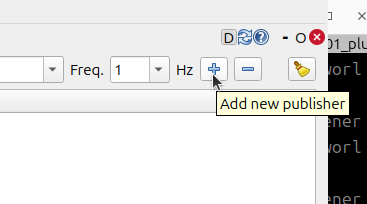
and use it to debug that topic.
Let's take the example used in ROS2-004-Communication Mechanisms: Topic Communication — Branch One — Native Message Interfaces. With the subscriber already running, we debug the topic named /chatter here:
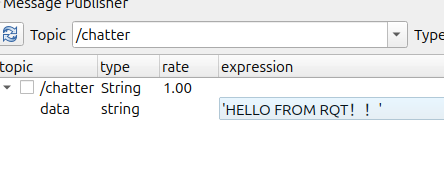
Tick the checkbox in front of it to start sending messages:
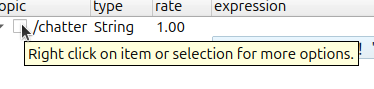
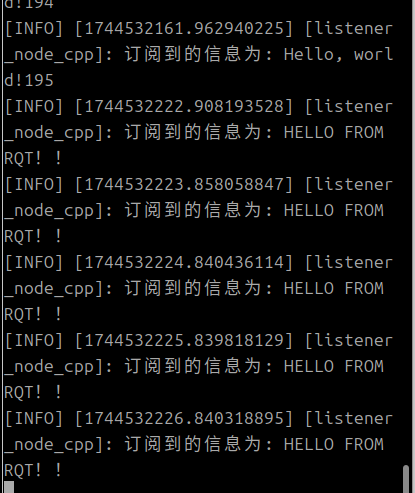
and the console that launched the subscriber receives them:
3. Service caller
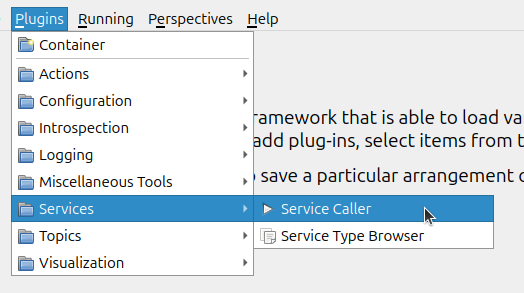
For example, open the service caller like this:
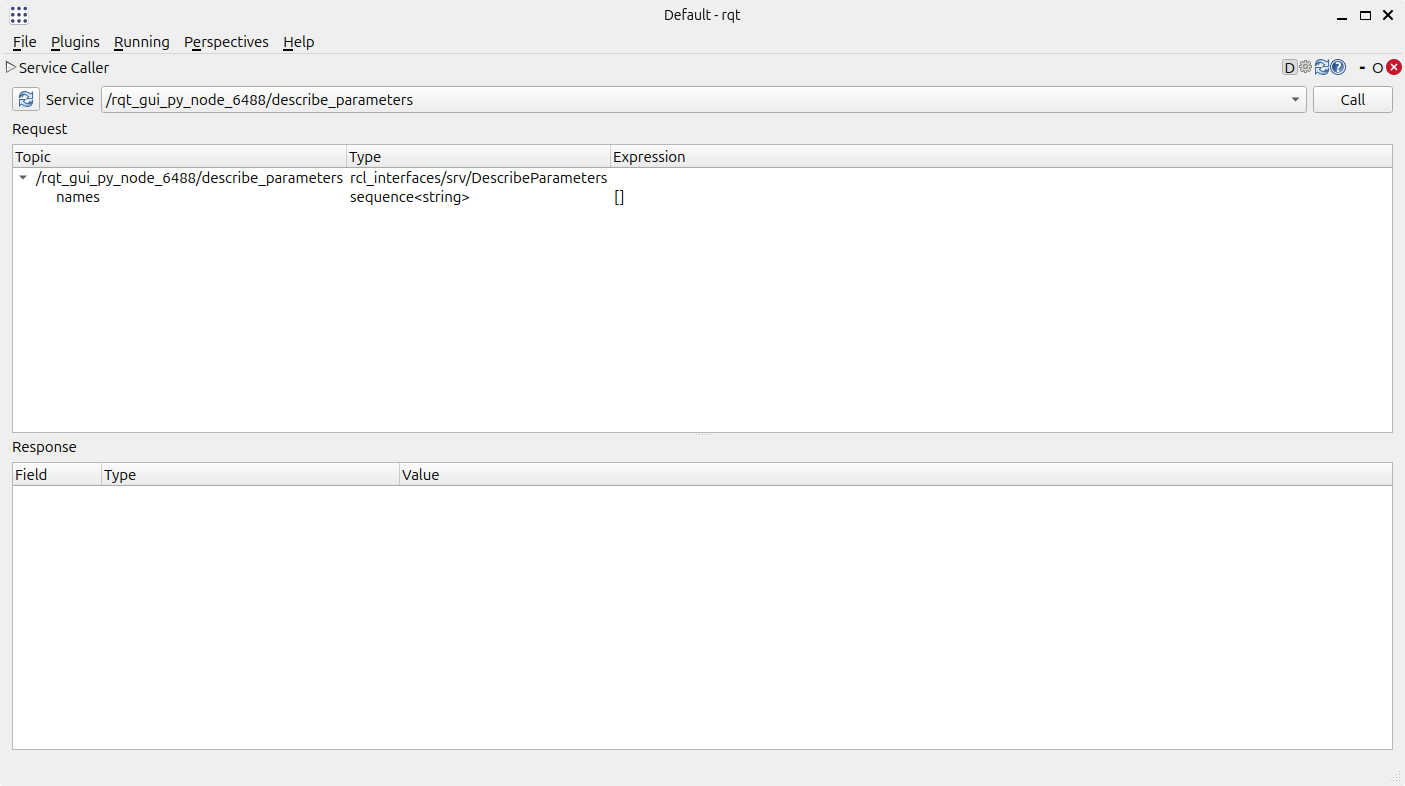
The page looks like this:
You select the matching service callback at the top:
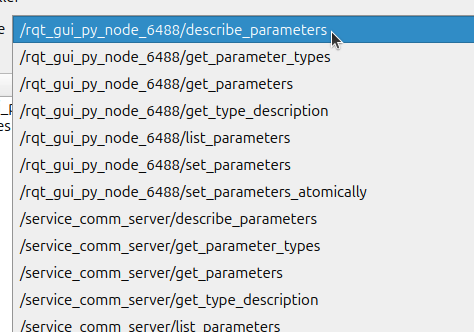
and invoke it to debug that service.
Summary
This section gave a fairly brief account of the two kinds of communication-mechanism tools: the command line and the GUI. When ROS2 nodes talk to each other, both of them play an important role in debugging. They are one of those parts of learning ROS2 you simply have to taste 🤣
Important
This article was translated by Hermes Agent; the original text can be found at here. The translation is for reference only. Translation time: 2026-11-05